
LockSpot
Cursor Lock, Mouse Jail & Multi-Monitor Tool for Windows
Lock. Play. Stay in Control.
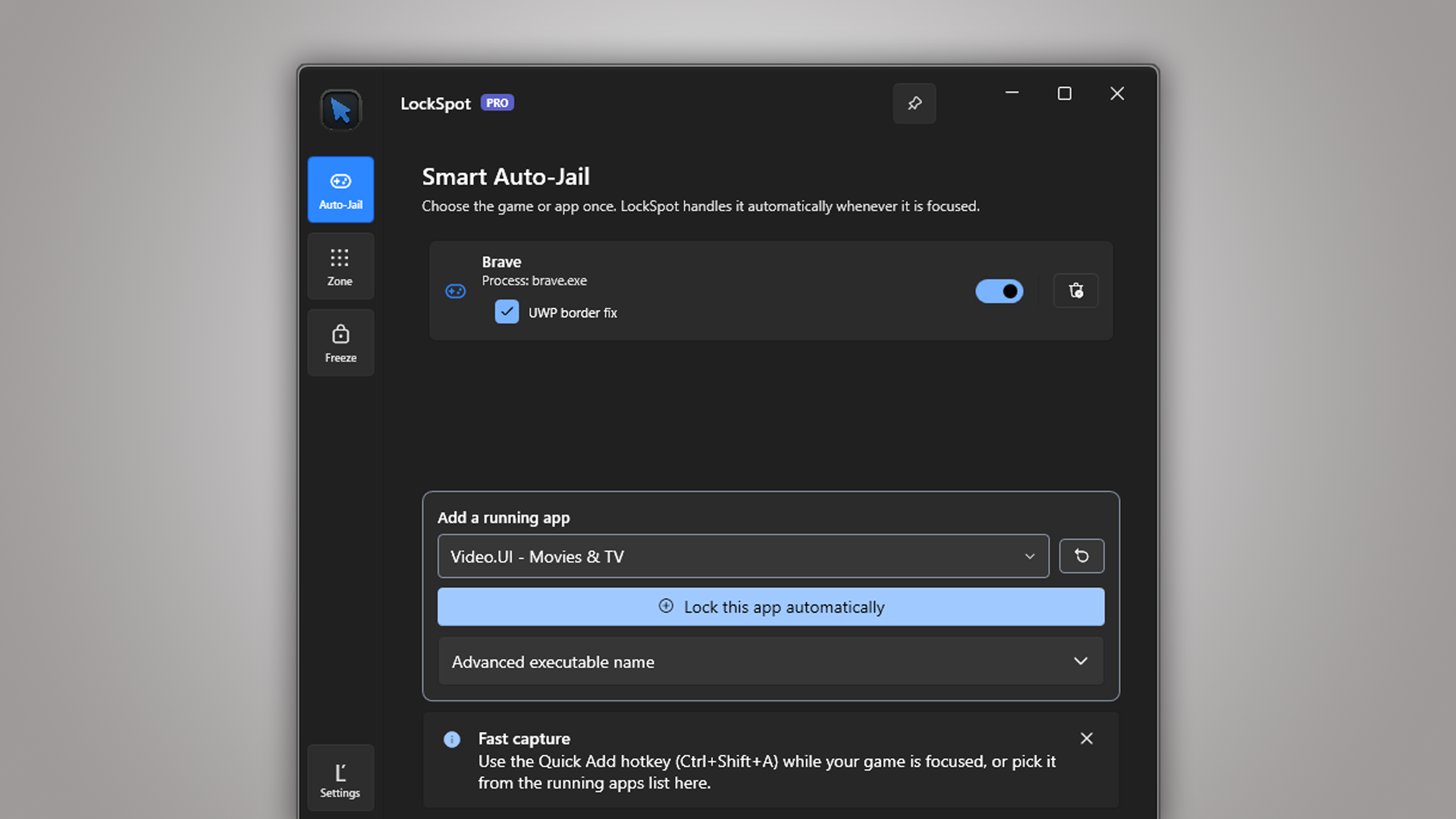
Your cursor does not belong on the second monitor. LockSpot is a lightweight cursor lock for Windows that keeps your mouse inside the game, app, screen, or custom desktop area you choose. No launch options. No command-line flags. No wrappers. Pick your game once, then play without accidental clicks, unwanted alt-tabs, or a pointer escaping at the worst possible moment.
A Mouse Lock Should Never Trap You. LockSpot gives you four reliable ways to release or suspend a cursor lock: hold Left Alt for a three-second soft override, press Ctrl+Alt+U to release everything instantly, open Ctrl+Alt+Del, or lock your Windows session. All six global hotkeys can be rebound or switched off.
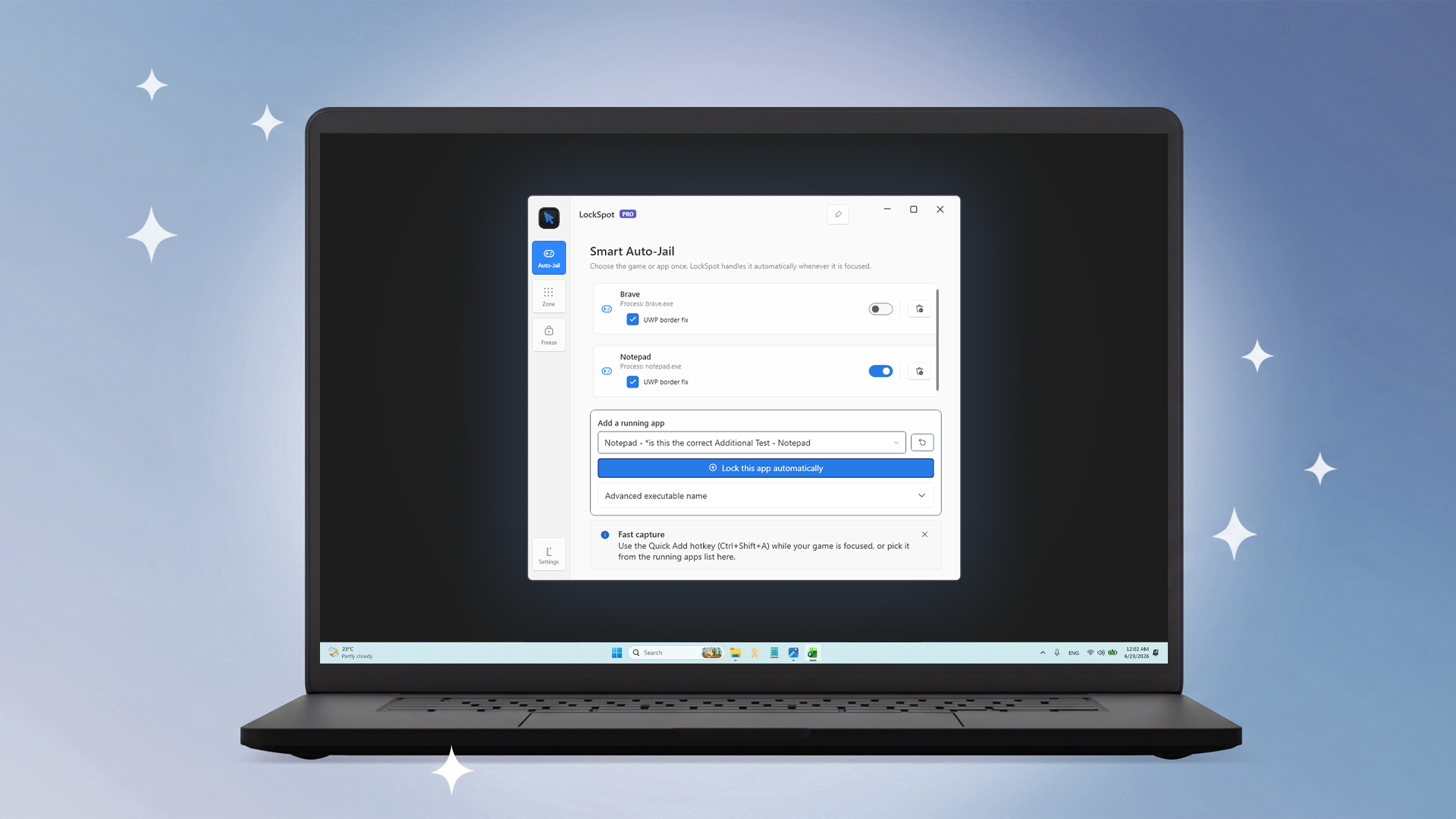
Set It Once.
Smart Auto-Jail follows your focus. Choose a game or app once. Whenever that window is active, LockSpot automatically confines the cursor to it. Alt-tab away and the mouse lock releases; return and it applies again. Move or resize the window and the boundary follows.
Draw Your Boundary.
Turn any desktop area into a mouse zone. Draw a precise box on any screen and keep the pointer inside it, regardless of which app has focus. LockSpot supports multiple monitors, ultrawide displays, mixed-DPI layouts, saved custom zones, optional on-screen guides, and hotkey cycling.
Freeze. Step Away.
Pin the cursor without blocking your keyboard. Activate Cursor Freeze with a hotkey and LockSpot holds the pointer in place while dimming every monitor. Type your unlock phrase to release it. Your keyboard stays functional, and Windows safety shortcuts remain available.
Privacy & Safety
No Ads. No Account. No Telemetry.
LockSpot does not install keyboard hooks, inject code, simulate input, or launch your game through another process. It uses the documented Windows ClipCursor API to confine the pointer and releases every active lock when Windows enters a secure or locked session.
Planning to write about LockSpot?
Need media assets, promo codes, or collaboration support?
I’d love to help: support@creatorkit.mashyo.com
App Details
Version | 1.0 |
Size | 170.7 MB |
Category | Utilities |
Initial Release | July 2026 |
Last Update | Sep 2026 |
Price | Free |
Compatibility | Windows 10/11 |
Languages | English |